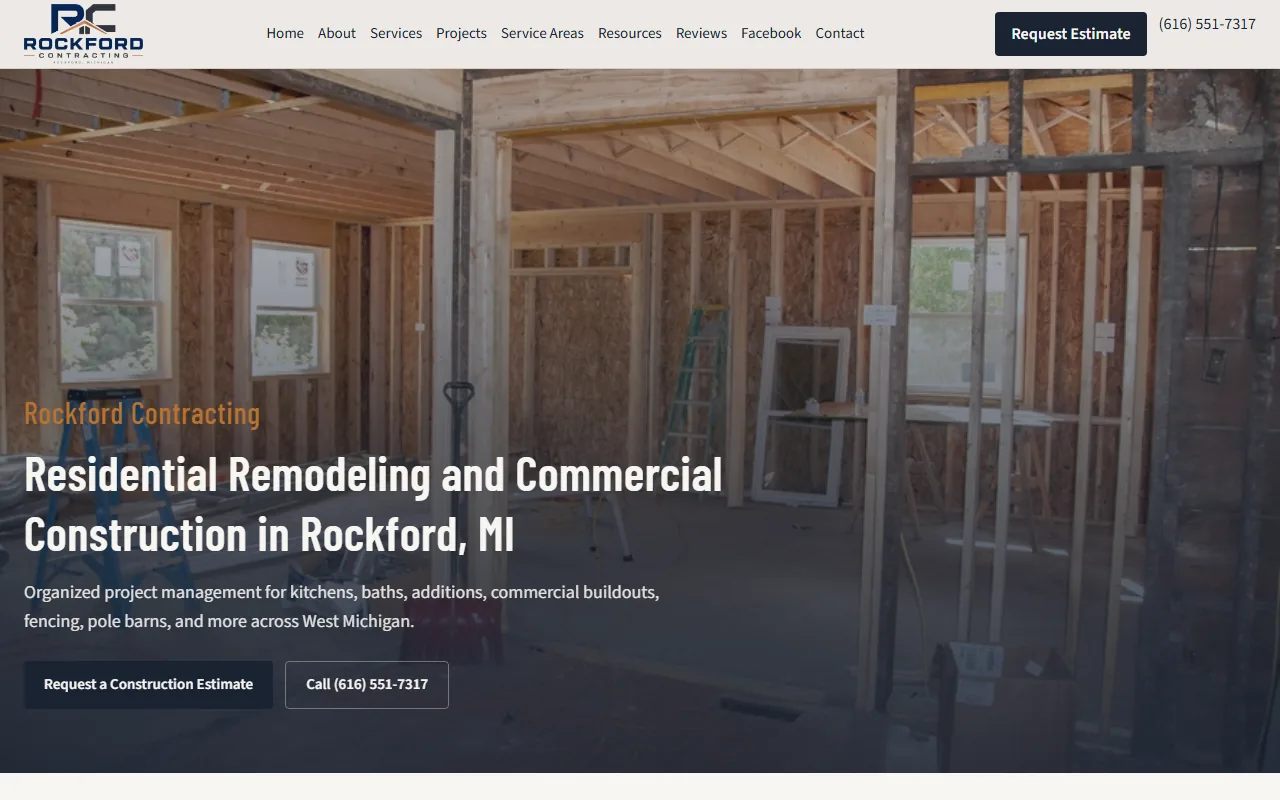
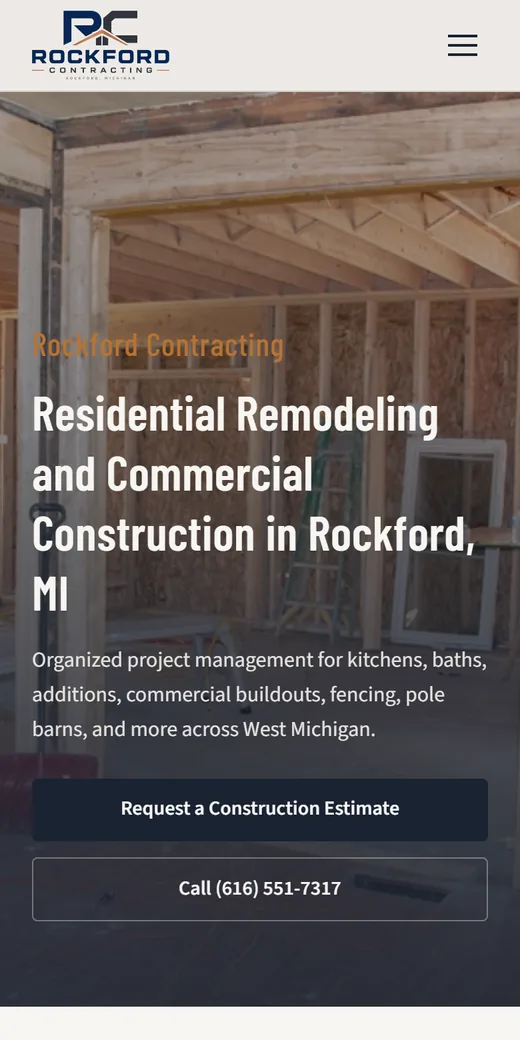
Most people who land on a contractor’s website have two questions: can this company do my job, and how do I reach them? The site has to answer both in a few seconds on a phone, then make calling or asking for a quote easy. Go through the list below with your own site open on your phone, and mark each item yes or no.
Up top, on every page
1. The business name and what you do, in the first screen
A visitor should know within a few seconds who you are, what you do and roughly where. A headline like “Foundation repair and basement waterproofing in [your county]” does that. “Quality You Can Trust” doesn’t, because every competitor could say it.
2. Tap-to-call
On phones, your number belongs in the header as a real tap-to-call link, so one tap dials it. Type it as text, never as part of an image, and use the same number everywhere: header, footer, contact page and Google. Many visitors are standing in a yard or sitting in a truck, and they’d rather call than type.
3. A quote form that reaches a person
Keep it short: name, phone, town or ZIP, what needs doing, and an optional photo upload. The form should go straight to whoever answers, by email and text, not into an inbox nobody checks. After someone sends it, tell them when to expect a call (“We call back within one business day”) and then keep that promise.
Pages that show the work
4. One page per service
Each service you want to be found for gets its own page with what’s included, what affects the price, photos of that kind of job, a few common questions and a quote button. For a drywall contractor, the structure might look like this:
/services/
/services/drywall-repair/
/services/basement-finishing/
/services/popcorn-ceiling-removal/
/services/commercial-drywall/
A single “Services” page listing everything in one paragraph can’t match the specific searches people type.
5. Real job photos
Photos from your own jobs, taken on a phone, beat any stock photo. Before and after shots work well. Add one line to each: what the job was and the town. Ask the owner first, and keep house numbers and license plates out of frame. Resize photos before they go on the site so pages stay fast.
6. Where you work
List the towns or counties you serve, how far you’ll travel, and anything that changes at the edges of your range, such as a trip charge or a minimum job size. For the towns where you do the most work, a page of their own can help, as long as each page says something true about that town. Our guide to service area pages for contractors explains how to do that without copy-and-paste pages.
7. The people behind the company
An About page with the owner’s name, a real photo and how long you’ve done this work (only what’s true) answers the question every homeowner has: who’s coming to my house? Say who answers the phone too.
Trust signals that hold up
8. Reviews linked to the source
Show a few recent reviews with the customer’s first name and town, and link each one to where it was posted, usually Google. Don’t expect review stars in Google results from reviews you post about yourself on your own site. Google doesn’t show stars for a business’s reviews of itself.
9. Licenses and insurance, only if real
If your state licenses your trade, show the license number and link to the state lookup. If you’re insured, say what kind of coverage and offer a certificate on request. Say “bonded” only if you are. Manufacturer certifications go up only while they’re current. A homeowner who checks and finds nothing won’t call.
Behind the scenes
10. Fast and easy to use on phones
Test your home page and a service page in Google’s PageSpeed Insights, on the mobile setting. Common slowdowns on contractor sites are huge photos, video that plays on its own in the header, and photo sliders. Text should be readable without zooming, buttons big enough for a thumb, and text dark enough to read in sunlight.
11. A Google Business Profile that matches the site
Claim and verify your Google Business Profile. Use exactly the same business name and phone number as the site, pick the categories that match your real services, list your service areas, and add job photos. If you work from home, you can hide your address and show only the areas you serve. Link the profile to your site and reply to reviews. More on how a profile fits with the rest of your marketing is on our contractor websites page.
12. Someone checks it every month
Once a month, send a test through your own quote form, tap your own phone number, and click through every page. Sites break quietly: a form stops delivering, a plugin update breaks a page, a domain renewal lapses. We set up automations that alert you the moment a form comes in and run daily health checks, so a broken form gets noticed the same day instead of after a slow month.
A quick self-check
Score your site against the list:
- Name, service and area in the first screen
- Tap-to-call in the header on phones
- Quote form that texts or emails a real person
- One page per service
- Real job photos with captions
- Towns and travel range listed
- About page with real people
- Reviews linked to their source
- License and insurance shown only if real
- Passes a mobile speed test
- Google Business Profile matches the site
- Monthly check on the calendar
Each item your site is missing is a spot where a visitor can stall and call someone else instead. Fix them in list order: the first three decide whether people can reach you at all.
Next step
If only a few boxes are empty, you can often fix them yourself in an afternoon, starting with tap-to-call and the quote form. For a full rebuild, read what a website costs to see what drives the price, then get in touch through our contact page with your trade and the towns you work in. More on how we build for the trades is on the contractors page.