A property management website talks to people who want very different things. A renter, or a small business owner looking for office space, wants to see the space, learn what is included and book a tour. A current tenant wants to report a leak or find the rent portal without hunting for a phone number. A property owner deciding who should manage their building wants to know how you screen tenants, handle repairs and report on money. When all three are crammed onto one home page, none of them find what they came for, and the vacancy stays empty a little longer.
Where property management and rental websites fall short
- Vacancies as one line of text. No photos, no size, no date available, or listings that stay up long after the space is rented.
- Dark, sideways or years-old photos, when the photos are what convinces someone to tour.
- The tour or inquiry button buried at the bottom of a long page.
- No directions, parking or entrance details, so visitors call from the parking lot asking which door to use.
- Maintenance requests that go to a general voicemail, with no way to send a photo and no clear instructions for emergencies.
- Nothing for property owners at all, even though new management agreements are how a manager grows.
- A tenant portal link from the management software hidden in the footer where tenants cannot find it.
What we build for property managers and office rentals
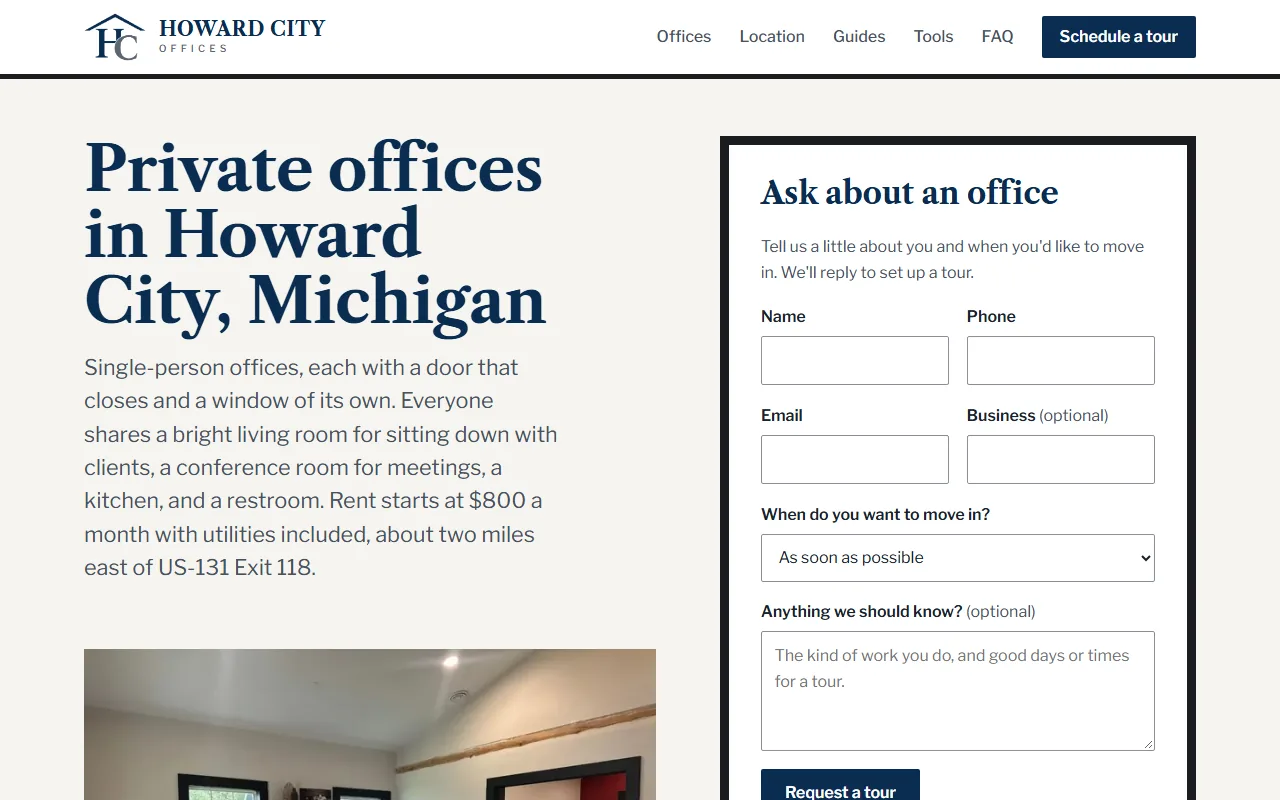
- A page for each property and each available space. Room by room or suite by suite, with real photos, the size, what is included and the date it is available. Your staff can mark a space rented from the Wix dashboard and it comes off the site.
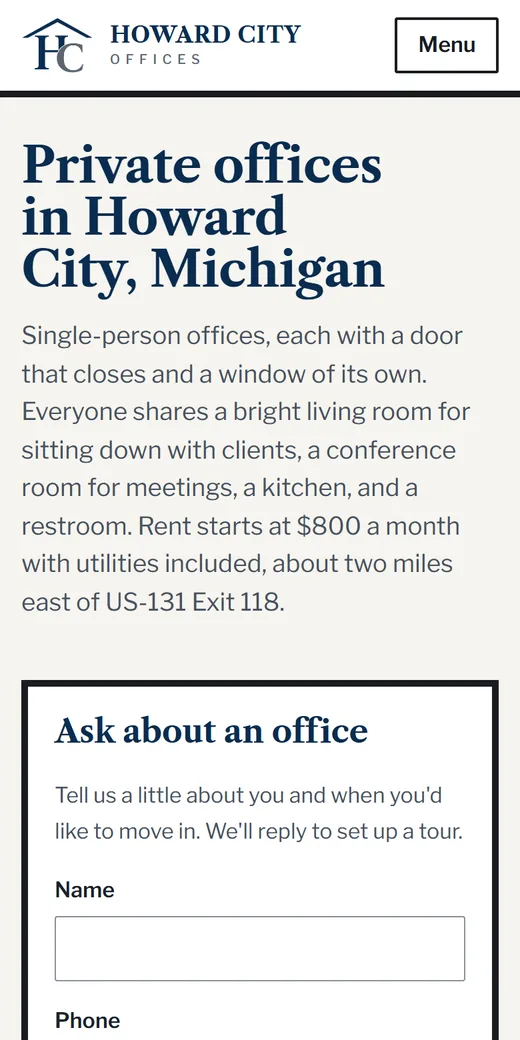
- A tour request form near the top of every listing. The visitor picks the space, suggests times and says what they need. If you would rather have visitors choose an open slot, Wix Bookings can take tour appointments directly. We test every form by sending a real request that must reach your inbox.
- Directions that get people to the door. A map, which entrance to use, where to park, and the floor or suite number. For office buildings, after-hours access details if tenants will need them.
- Office and suite details for commercial space. Square footage, private offices or shared space, conference room access, internet, parking and signage, listing only what is real.
- A maintenance request form for tenants. It asks for the unit, the problem, a photo and whether someone may enter when the tenant is out, and sends an alert by email or Discord to whoever handles repairs. Emergency instructions sit above the form: what counts as an emergency and the number to call.
- A tenant section that points to the portal you already use. If rent and leases run through property software, we do not replace it; we make the link easy to find. If you need more, such as a staff screen to track open requests, we can build a custom web app with logins and roles.
- A page for property owners. The services you offer owners, how you handle screening, repairs and monthly reports, the types of property you take on, and a form to request a consultation.
- Reviews shown as your real rating with a link to the source, and licenses and years in business only when they are real.
Getting found by renters, tenants and owners
Two groups search for you with different words. Renters and businesses type “office space for rent near me”, “small office for rent”, “furnished office for rent” or “apartments for rent” plus a town name. Owners type “property management company near me”, “property manager for a rental house” or “commercial property management”. Listing pages answer the first group and the owner page answers the second, so each search has a page that fits it.
Many renters see a space on a listing site first and then visit your website to check it out and book a tour. That is why each listing page needs real photos, clear details and the tour form near the top.
We prepare your Google Business Profile with categories, services, photos and the website link. Google requires the owner to sign in and verify, so that step is yours, with exact instructions from us. We add structured data that describes your business and its location to search engines. Town pages are only added for towns where you really manage property, each with something true about that town.
Owners and renters also ask AI assistants questions like “what does a property manager do for an owner” or “what should I ask before renting office space”. Pages that answer those questions plainly give the assistants something to cite. Our guide on how to show up in AI answers explains this, and our SEO and AI visibility service covers Google, Bing and the assistants. Rankings are never guaranteed, by us or anyone else.
What we need from you
- A list of your properties and the spaces available now.
- Real photos of each space. Phone photos are fine; we resize them so the pages load quickly.
- Who handles tours and who handles repairs, so form alerts reach the right person. Our website automations page shows how that routing works.
- The link to your tenant portal, if you have one.
- What you offer property owners and the kinds of property you take on.
You get a written proposal that lists one-time and monthly costs separately. We build the pages, check them at nine screen sizes and test every form with a real message. Once the site is live, managed hosting includes a daily check that only alerts on real problems.
To see what drives the price, read what a website costs, or send us a few details about your properties.