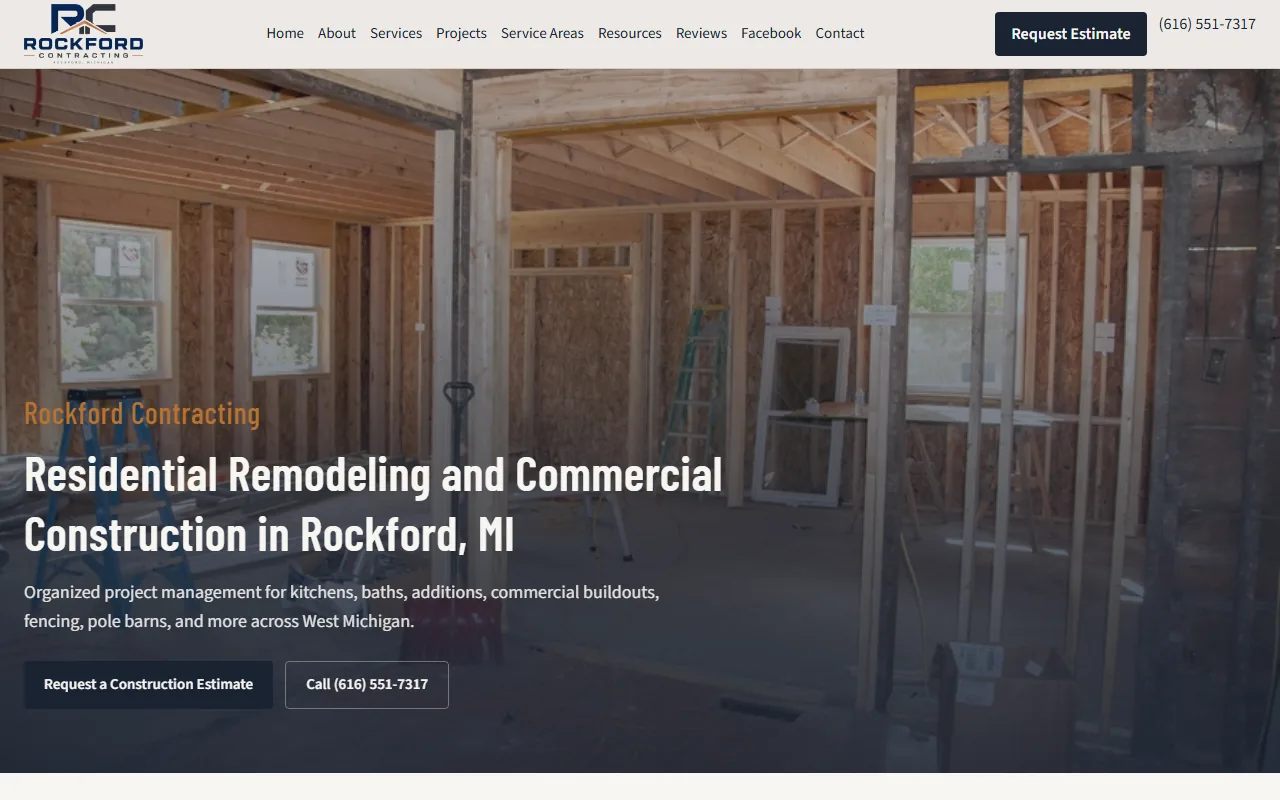
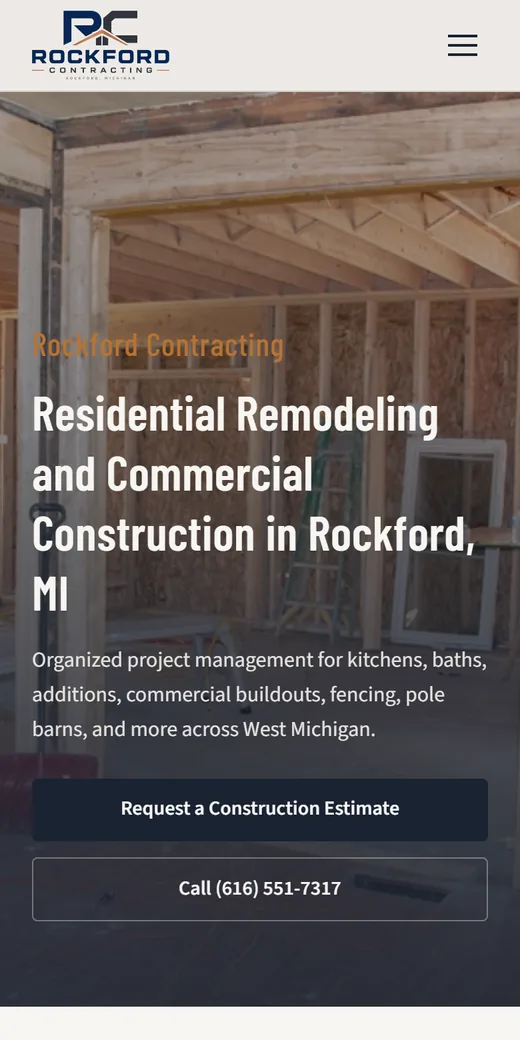
People do not hire a remodeler the way they hire a plumber for a leak. A kitchen, a bathroom or an addition is one of the biggest checks a homeowner will write, and the decision can take weeks or months. They study past work, compare two or three companies, talk it over at home, think about budget and financing, and come back to your site more than once before they call. The website has to hold up through all of that. It has to look like a company that finishes jobs, show work they can picture in their own house, and make the first conversation easy to start.
Where remodeling websites fall short
- A gallery of 200 unlabeled photos. Nobody can tell which shot is a full kitchen remodel and which is a hallway repaint, or what the room looked like before.
- One “Services” page for everything. Kitchens, baths, basements, additions, decks and roofing share a single paragraph, so Google has no page to rank for “basement finishing”.
- A contact form that asks only for a name and phone. Every first call starts from zero. Worse, some forms quietly stop sending and nobody notices for months.
- Nothing about how a project runs. The design visit, the written estimate, permits, the schedule, who is on site each day. Homeowners worry most about the parts they cannot see.
- Financing mentioned in passing or not at all, even when the company offers it and buyers are asking.
- Stock photos of the same white kitchen that appears on a hundred other contractor sites.
What we build for remodelers and general contractors
- A portfolio organized by job type. Kitchens, baths, basements, additions and whole-house work each get their own set with a short note on what was done. A homeowner planning a bath only wants to see baths.
- Before and after pairs where you have them. Your real photos, resized so they load quickly on a phone. The change from old to new is what sells the next job.
- A page for each kind of work you want more of. A kitchen page covers layouts, cabinets, counters and how long the family goes without a kitchen. An additions page covers foundations, permits and matching the existing roofline. Each page answers the questions that job raises.
- A “how a project works” page. The steps from first call to final walkthrough, in plain words. This is where a careful buyer decides you are organized.
- A consultation form that does part of the first call for you. It asks which room, the rough timeline and whether they own the home, and it can take photos of the space. We test it by sending a real request and checking that it lands in your inbox.
- A financing page, only if you offer financing. The lender, how to apply and a link. If you do not offer it, the page does not exist.
- Licenses, insurance and years in business, shown only when they are real and current. Remodeling buyers look for them before they let a crew open a wall.
- Reviews shown as your real rating with a link to the source, so a buyer can read them on Google themselves. We never copy review text onto the site.
- Tap-to-call on phones, and every page checked at nine screen sizes. Plenty of people browse a portfolio on the couch at night and call from their phone the next morning.
Our contractor website checklist has the full list with the reason behind each item.
Getting found by homeowners planning a project
Remodeling searches are specific. People type “kitchen remodeling contractor near me”, “bathroom remodel company”, “basement finishing contractor”, “home addition builder” or “general contractor for whole house renovation”. Each of those deserves its own page, which is why we build one per job type instead of one page for everything.
Service area pages come next, and only for towns you really work in. A good town page says something true only for that town: the age of the houses, the kinds of projects you do there, how the local permit office works. Our guide to service area pages for contractors shows how to do this without thin copies.
The Google Business Profile drives the map results. We prepare it completely: categories, services, the area you cover, project photos and the website link. Google requires the owner to sign in and verify, so that step is yours, with clear instructions from us. We also add structured data so search engines can read your business type, services and service area.
Homeowners now ask AI assistants things like “how do I choose a remodeling contractor” or “what should a kitchen remodel estimate include”. Pages that answer those questions directly give the assistants something to cite. Our SEO and AI visibility work covers Google, Bing and the assistants together. No one can promise a ranking, and we will not. What we can do is make every page worth ranking and easy for search engines to read.
For how we approach trade websites in general, see our page on websites for contractors.
How a remodeling website project runs
- A call or video meeting. You tell us the projects you want more of, the towns you work in and what a good lead looks like for you.
- Photos and facts. You send project photos (phone photos are fine), license and insurance details if you want them shown, and any financing information. We sort the photos by job type and pick the ones that show the work best.
- A written proposal that lists one-time and monthly costs separately.
- Build and review. You see every page before the public does, and we test the consultation form with a real request.
- Go live and keep it current. With managed hosting, a daily check watches the site and only alerts on real problems. When you finish a project worth showing, send the photos and we add them.
Want to know what drives the cost first? Read what a website costs, or send us a few details about your company and the work you want.