Shipping heavy parts from your own store comes down to three things. Every product needs a real packed weight and box size. Parts that fit inside the carriers’ parcel limits get rates calculated from those numbers. Anything bigger goes to local pickup or a freight quote instead of a guessed price at checkout. Then the product page tells the buyer which of those paths the part takes before they click Add to cart.
This guide walks through each piece. For the wider picture of running a store as a parts or surplus seller, see our page for eBay and surplus sellers.
Start with a packed weight and box size on every part
A carrier bills on what the box weighs and how big it is, so each product needs four values: packed weight (the part plus box, padding and pallet, not the bare part), length, width and height of the box. Add a fifth field of your own, “ships as”, with three values: parcel, freight or pickup only. That one field drives most of the rules later in this guide.
Why eBay listings often lack them
If you’re moving listings from eBay, expect gaps. eBay’s shipping options help page requires package weight and dimensions when you choose calculated shipping, because eBay uses them to work out the cost. With a flat rate you enter a fixed cost instead, so those listings may never have had a weight or box size. Sellers also report that the Seller Hub listings download leaves shipping details out. Our guide to exporting eBay listings covers where to get the fields the report leaves out.
Filling the gaps
- Bring over what exists. Listings that used calculated shipping usually have a weight and box size. Copy them across first.
- Weigh by batch, not by part. Group similar parts (alternators, brake rotors, hydraulic pumps) and weigh a few of each, packed the way you really ship them. Use that as the starting weight for the group.
- Mark estimates as estimates. Keep a yes or no field for “weight measured”. Replace estimates with real numbers when someone packs that part.
- Measure the box you use, not the part. The carrier measures the outside of the box.
Parcel or freight: where the carriers draw the line
Each carrier publishes its own parcel limits. Here is what their pages said when we checked them in November 2026. Limits and surcharges change, so read the current pages before you build rules on them.
| Carrier and service | Max weight | Max length | Max length plus girth |
|---|---|---|---|
| UPS | 150 lbs | 108 in | 165 in |
| FedEx Ground | 150 lbs | 108 in | 165 in |
| USPS Ground Advantage | 70 lbs | Not stated separately | 130 in |
Length plus girth means the longest side plus twice the width plus twice the height. Both UPS and FedEx also add surcharges for large or awkward packages well before these hard limits, and USPS adds fees for long or bulky Ground Advantage parcels.
Past 150 lbs you’re in freight territory. FedEx’s shipping glossary says any shipment over 150 lbs is considered freight, and describes LTL (less-than-truckload) as freight over 150 lbs that is usually on a pallet and takes up only part of a trailer.
A simple rule for your catalog: a part is “parcel” when its packed weight and box size sit comfortably under the limits of the carrier you use. Leave some room, because a box that’s a pound or an inch over gets billed as the bigger, pricier thing. Everything else is “freight” or “pickup only”.
Dimensional weight: why a light, bulky part costs more
Carriers bill bulky boxes as if they were heavy. The method is the same at each one: multiply length by width by height in inches, divide by the carrier’s divisor, and the carrier charges whichever is greater, that number or the actual weight.
- FedEx divides by 139 for US shipments, per its dimensional weight page.
- UPS lists 139 for Daily Rates and 166 for Retail Rates on its dimensions and weight page.
- USPS applies dimensional weight to Ground Advantage parcels only when they’re larger than one cubic foot (1,728 cubic inches). Its mailing standards then divide by 139 and round up. Divisors change, so check the current page.
Here’s how it plays out with a FedEx divisor of 139. Say a 20 lb bracket ships in a 24 by 18 by 12 inch box. That box is 5,184 cubic inches. Divided by 139, that’s 37.3, rounded up to 38 lbs. The carrier bills 38 lbs, almost twice what the part weighs. Two lessons: store the box size, not just the weight, and pack in the smallest box that protects the part.
Set up checkout rates that match the carrier’s bill
We build stores on Wix’s business backend, so here’s how it looks there. Wix Stores shipping rules include Flat rate, Rate by weight, Rate by price, Rate by quantity, Free shipping and USPS Calculated Rate.
- Use delivery profiles to split the catalog. Wix’s delivery profiles let you give heavy or oversize products their own rules. Keep parcel-size parts in the general profile, and make a second profile for freight and pickup-only items.
- Rate parcels from weight and size. Rate by weight works when your weights are reliable. USPS Calculated Rate uses the order’s weight and dimensions, needs a shipping weight on each product, and is open only to US merchants selling in US dollars.
- Set the backup rate. Wix recommends a backup weight and rate for when a live rate can’t be returned at checkout.
- Check the first few labels. Compare what checkout charged with what the carrier billed. If they drift apart, fix the weights or the rule before the next hundred orders.
Freight brings its own extra fees. FedEx’s glossary defines accessorial fees as charges for extra services such as liftgate service, and its freight rules tariff lists separate charges for residential and limited-access delivery. A pallet going to a home with no loading dock costs more than one going to a shop with a dock. That’s why big items need a quote, not a fixed number at checkout.
Offer local pickup
For a part that weighs more than the buyer’s budget for freight, pickup is often the sale. In Wix Stores, Pickup is one of the options you can add to a region, next to shipping and local delivery. Make pickup work in practice:
- Put your pickup hours and instructions in the order confirmation.
- Say whether you can load the part with a forklift, or whether the buyer should bring help and a suitable vehicle.
- Say how long you’ll hold a paid order before you contact the buyer about it.
- For parts that can’t sensibly ship at all, mark them “pickup only” and say so near the price.
Add a “request a freight quote” path
Freight items shouldn’t show a made-up shipping price. Replace the shipping estimate on those pages with a clear “Request a freight quote” button that opens a short form with the part already filled in. Ask for:
- Delivery ZIP code
- Delivery type: business with a loading dock, business without one, or a home
- Whether a liftgate is needed
- Name, email and phone
Then get a rate from your freight carrier or broker, send the buyer the total, and take payment once they agree. If the part is also listed on eBay, decide in advance whether a quote holds the part and for how long. Our guide to quote request forms covers form fields and making sure each request reaches a person. Test yours with a realistic request (a real part and a real ZIP code) and check the spam folder too, because spam filters can quietly hold messages that look like junk.
Show shipping honestly on the product page
Buyers of heavy parts want to know the shipping story before checkout. Put it near the price:
- The path. “Ships by parcel”, “Ships by freight, quote required” or “Pickup only”.
- The packed weight and box size, so a buyer can price freight themselves if they have an account.
- An estimate by ZIP code for parcel items, if your store can show one before the cart.
- Who unloads. If freight delivery won’t bring the part inside, say so.
If you also list parts in Google’s Shopping results, use the same numbers there. Google’s shipping_weight attribute is used when your shipping is set by weight, such as carrier-calculated rates, and accepts weights up to 2,000 lb, so the store and the feed can share one set of weights.
Getting heavy parts priced right
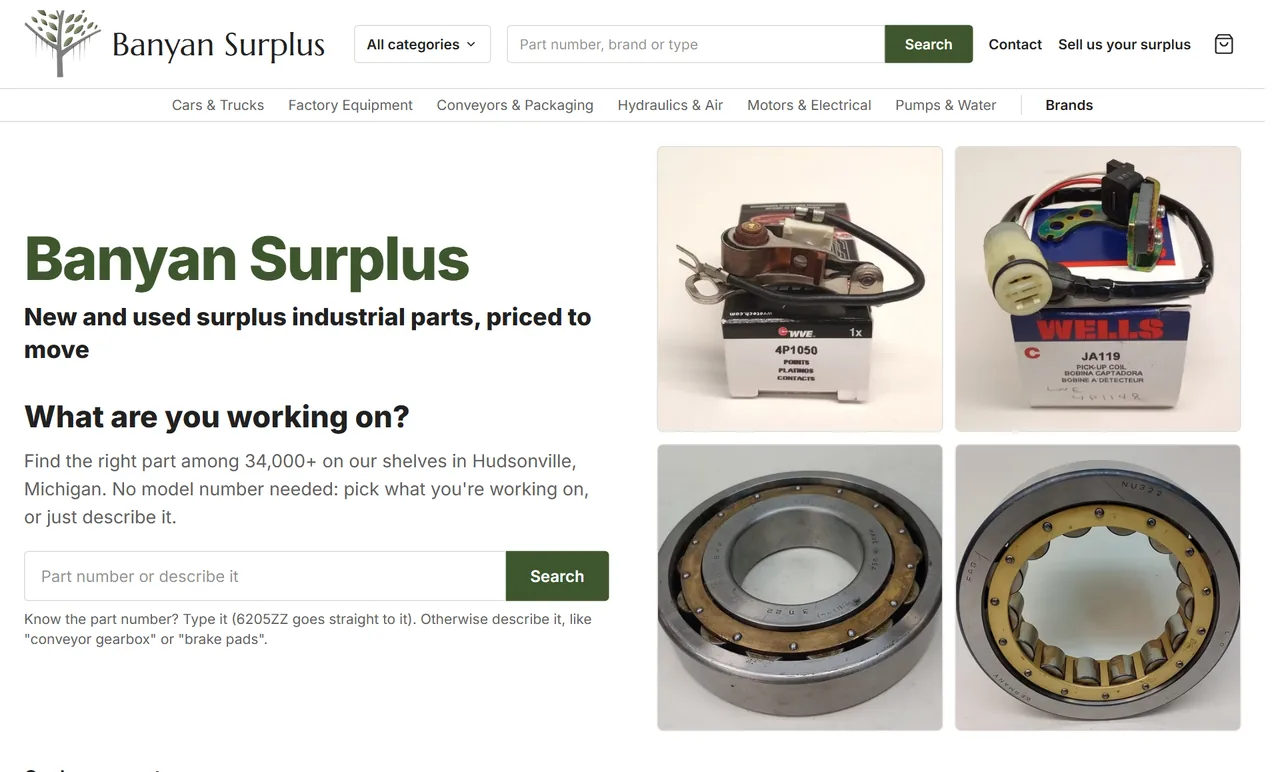
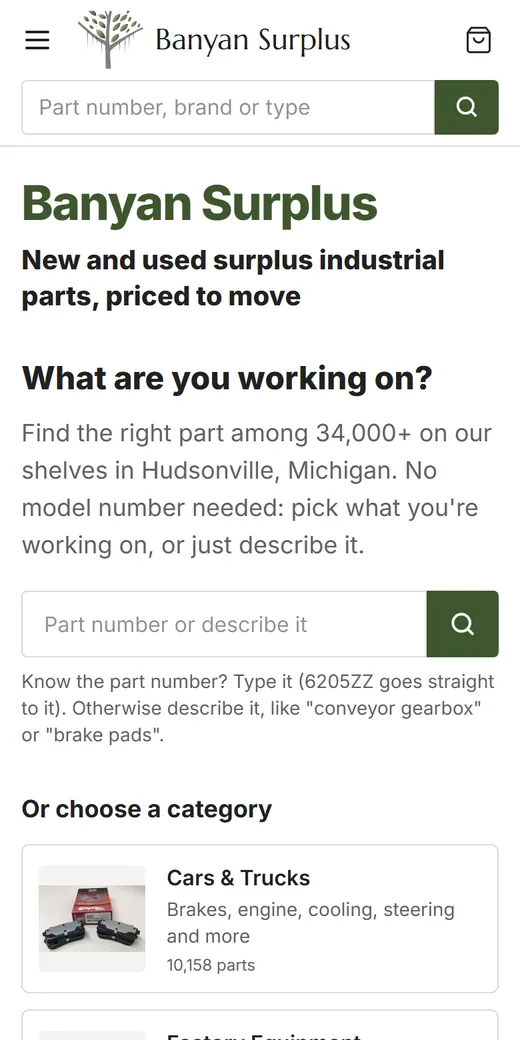
The order of work is the same for any heavy catalog: weights and box sizes first, a “ships as” value on each part, parcel rules inside the carrier limits, then pickup and freight quotes for the rest. We build stores for parts and surplus sellers, including one that mirrors 34,000+ eBay listings with a daily sync, and our e-commerce websites page explains how those stores are put together. To see how a store for your kind of inventory fits together, start with our eBay and surplus sellers page. If you’d like a second opinion on a few of your heaviest or most awkward parts, send us the list through the contact page.