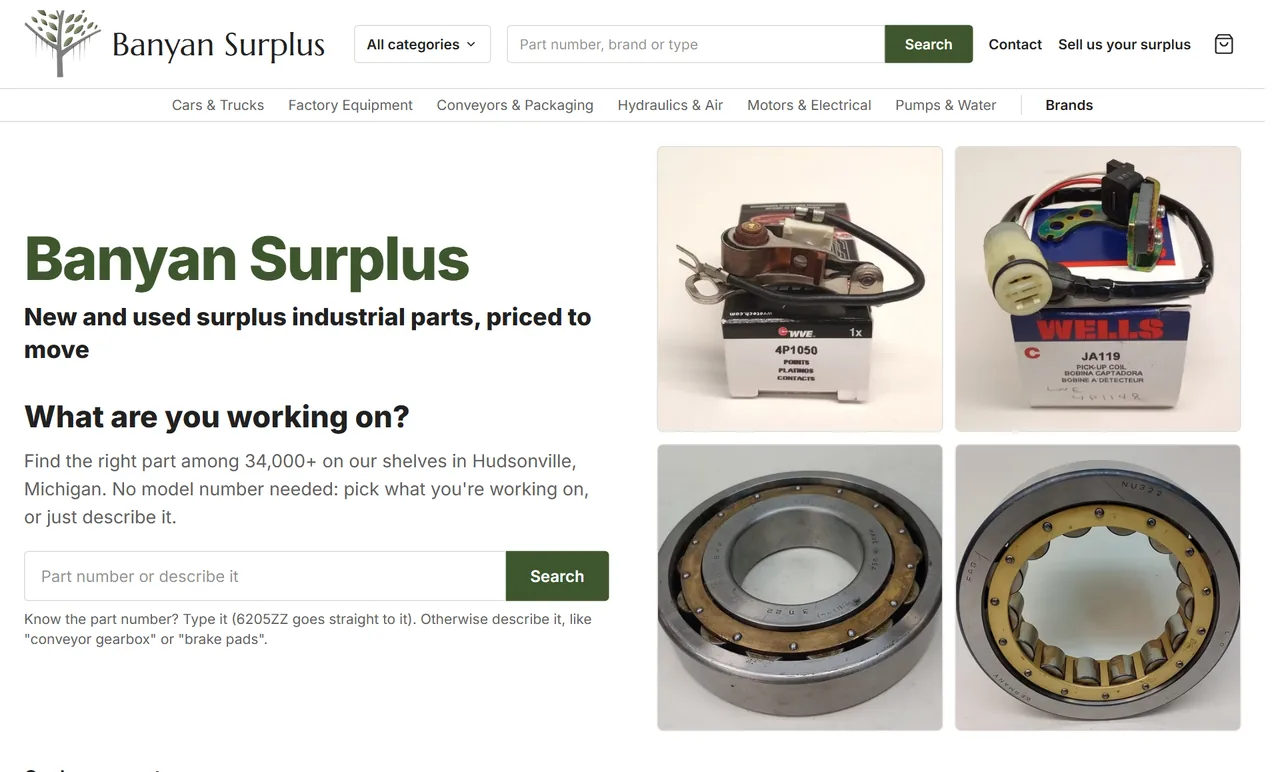
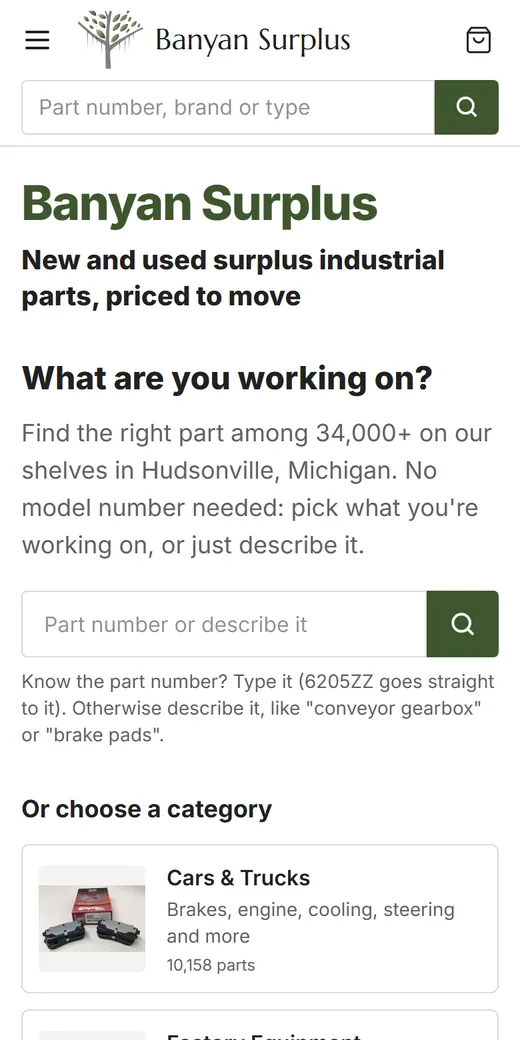
A parts catalog with a few hundred items can get by on a simple menu and a search box. At ten thousand items, or thirty thousand, the way the catalog is organized decides whether a buyer finds the right part in a minute or gives up and goes back to eBay. Most of the work is decisions rather than code: what the categories are called, how search reads a part number, and what goes into a product title.
Build categories around the job, not the parts book
Shoppers pick what they’re working on. A mechanic looking for a caliper starts at “Brakes,” not at a supplier’s internal code, and a farmer with a leaking hydraulic cylinder starts at “Hydraulics.” Name categories the way buyers talk at the counter, and keep the technical names for the product page.
A sample tree for a store that sells used truck and equipment parts:
Brakes
  Calipers
  Rotors and Drums
  Air Brake Parts
    Brake Chambers
    Slack Adjusters
Hydraulics
  Pumps
    Gear Pumps
    Piston Pumps
  Cylinders
  Valves
Electrical
  Alternators
  Starters
  Switches and Sensors
The rules we follow when building a tree:
- Every bottom category holds parts that do the same job. If one mixes pumps with the seals that go in them, split it.
- Plan the depth against your platform. Wix category trees allow 1,000 categories and 4 levels. That’s enough for most parts stores, but it rules out a six-level tree, so we lay the whole tree out in a spreadsheet before importing anything.
- Let a part live in two places when buyers would look in both. A brake light switch can sit under Brakes and under Electrical.
- Hide empty categories. A category with nothing in stock today is a dead end.
The wider setup for stores like this, including the eBay side, is on our eBay and surplus sellers page.
Make part-number search forgive dashes and spaces
Part numbers get typed every way possible. A buyer reading a worn tag types “3E 4521,” another copies “3E-4521” from an old invoice, and a third types “3e4521” on a phone. If search only matches the exact text stored in the listing, two of those three buyers see “no results” for a part sitting on your shelf.
The fix is simple to describe. Store a cleaned copy of every part number with dashes, spaces, periods and slashes removed and the letters in one case, then clean the search term the same way before matching. All three searches above become “3E4521” and find the same part. Do the same for alternate or superseded numbers you have real records of, so an old number still leads to the current part.
Test search with the part numbers buyers actually send you in messages. They show you which formats come up most.
Give each brand a page
Brand pages do two jobs. They let a buyer who trusts one maker browse everything you have from them, and they give search engines a page that matches searches for that brand’s parts. A good brand page has:
- a short intro you wrote: what you carry from that brand and what condition it’s usually in
- the brand’s products, with the same filters as a category page
- links to the categories where that brand shows up most
Build pages only for brands you carry in real depth. A brand with two products works better as a filter option than as a thin page of its own.
Filters built from your item specifics
Filters only work if the data under them is clean. Most of it already exists in your item specifics: brand, condition, part type. Category filters come next, such as bolt pattern for wheels, voltage for alternators or port size for hydraulic valves. Before a filter goes live, we check how the values are written. A filter that lists “12V,” “12 V” and “12 volt” as three choices needs the data fixed first, not more code.
Let search engines index category pages and brand pages, not every combination of filters. Filtered views stay useful for shoppers without creating thousands of near-copies of the same page.
Pagination: 48, 60, 120 and 240 per page
Parts buyers scan. Many would rather scroll a long list than click through page after page, so we offer 48, 60, 120 and 240 items per page, with 48 as the default. Those numbers divide evenly into rows of 2, 3, 4 or 6, so the grid has no gaps on a phone, a tablet or a wide screen.
Each page of results needs its own address, such as /hydraulics/pumps?page=3, and plain numbered links to the pages after it, so search engines can reach parts deep in a category. Infinite scroll on its own hides those parts from crawlers. Each numbered page should name itself as its canonical page, not page 1.
Vehicle fitment only from real data
Fitment sells parts, and bad fitment brings them back. Show a “fits these vehicles” table only when the data is real: the compatibility table on the eBay listing, the maker’s catalog, or your own record of the vehicle the part came off. Never generate “may also fit” lists by guessing from similar models. A buyer who orders on a guess and finds it doesn’t fit costs you a return, return shipping and often a bad review.
When there’s no fitment data, say so plainly and give the buyer what they need to check it themselves: the part number, clear photos of the tag and the connectors, and measurements.
Product titles: brand, part number, type
A title that works for buyers and search engines follows one pattern:
Brand + part number + part type + key detail + condition
For example: [Brand] 3E-4521 Hydraulic Gear Pump, 1 inch Shaft, Used. A buyer scanning a list knows at a glance whether it’s worth a click, and someone searching the part number finds it. Keep your internal stock number out of the title. Put it on the page, where your staff can find it.
Structured data and sitemaps for products
Each product page should carry Product structured data that matches what’s on the page: name, images, brand, part number (mpn), your stock number (sku), price, currency, availability and condition (new, used or refurbished). Add breadcrumb markup so search engines understand the category path. Mark up only what’s true and visible. A used part marked as new is worse than no markup at all.
For a big catalog the product sitemap matters as much as the markup. On Wix Headless hosting, Wix controls /sitemap.xml, so we publish a custom product sitemap at another address and submit it in Google Search Console and Bing Webmaster Tools. The other limits that come with a store this size, including Wix’s 50,000-product cap and the fact that hidden products count toward it, are in our guide to Wix Headless limits for large stores. If your catalog also lives on eBay, read about selling on your own website and eBay to see how the two stay in step.
Next step
Send us a sample of your catalog. A spreadsheet export of a few hundred items is plenty. We’ll sketch a category tree, flag the item specifics that need cleanup before filters can work, and tell you how the store fits inside Wix’s limits. Reach us through the contact page, or see how we build stores on our e-commerce website development page. For everything else a parts or surplus seller needs, go back to the eBay and surplus sellers overview.