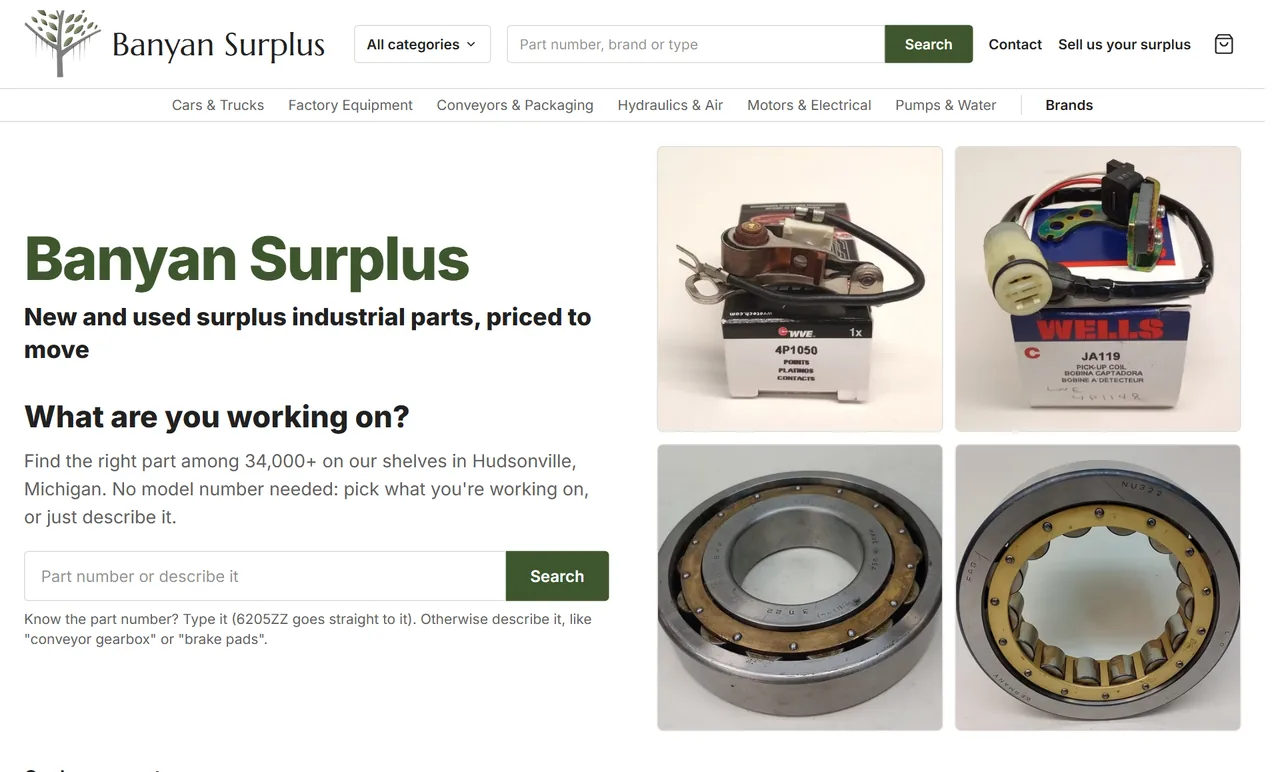
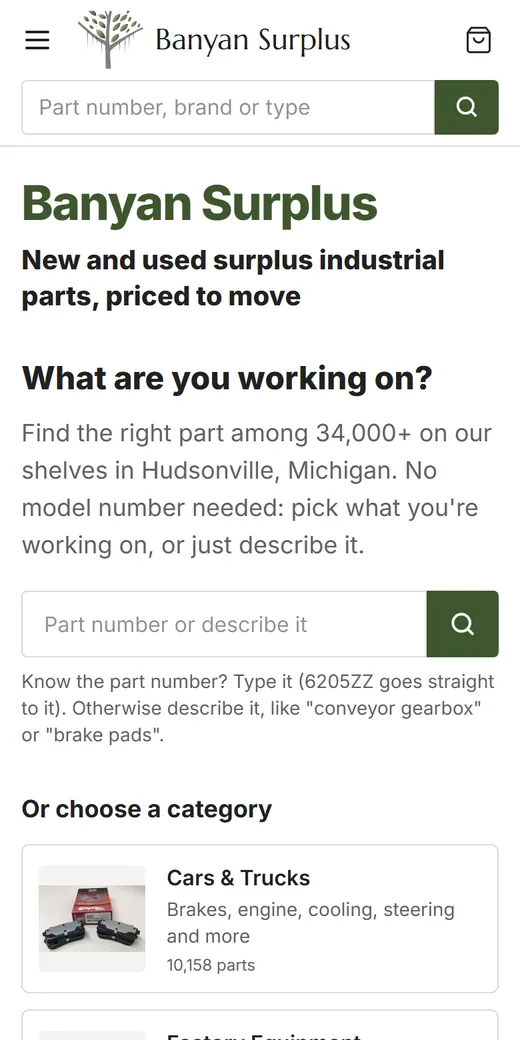
On a Wix Headless site, the pages visitors see are custom code, but Wix still runs the business tools behind them and, on its own hosting, some of the SEO plumbing too. That split is where problems start. You can end up with two titles on one page, a sitemap missing your service pages, or a robots.txt file you never wrote. The fix is knowing which part Wix handles, which part your code handles, and checking the live pages in a browser.
This checklist follows what Wix documents and what Google Search Central recommends. If you’re still deciding whether to go headless at all, start with our Wix Headless vs Wix editor comparison. If you’re already building, our Wix Headless development page explains how we set up these projects.
First, find out which setup you’re on
Wix offers more than one way to build headless, and the SEO help differs between them (Wix’s comparison):
- Wix-managed, built with Astro. Wix hosts the site and adds built-in SEO support. Its middleware injects tags into your main pages from your dashboard settings, and Wix serves
/robots.txt,/sitemap.xmland/llms.txt. - Wix-managed with another framework, or self-managed. Wix’s SEO support page says none of that automation applies, and Wix doesn’t serve robots.txt or a sitemap for you. Plan for your code to render every tag in the page itself.
Ask your developer which one you have before working through the list. The rest of this guide notes where the answer changes.
1. One title and one canonical tag per page
Google asks that every page have a title in its <title> element, and that titles be descriptive and avoid boilerplate (title links). For canonical tags, Google says not to give different canonical URLs for the same page, to use absolute URLs, and to put the tag in the <head> (canonical guide).
On the Astro setup, Wix sets the title, meta description, canonical and social tags for each main page (home, about, contact and similar fixed pages) from SEO & GEO, then SEO Settings, then Main Pages. Wix’s main pages guide says to remove any title and description your layout hard-codes, because they compete with the injected ones. Item pages, such as products and blog posts, need code before they get tags at all.
How to check, in a browser:
- Open a live page (not a local test copy, where Wix’s injection doesn’t run).
- Press Ctrl+U (Cmd+Option+U on a Mac) to view the source.
- Press Ctrl+F and search for
<title. You want exactly one. - Search for
rel="canonical". You want exactly one, with the full address of that page. - Search for
wix-seo-tag. Wix marks every tag it injects with this attribute, so you can tell its tags from your own.
Two more notes from Wix’s docs. Dashboard changes are cached, so a busy page such as your home page can take a few minutes to show an edit. And the dashboard’s SEO Setup Checklist doesn’t support headless sites, so ignore its tasks there.
2. Structured data for each page type
Structured data tells search engines what a page is about in a format they read directly. Google recommends JSON-LD, says the markup must match what visitors can see on the page, and doesn’t guarantee rich results (structured data guidelines).
Wix generates some of it for you on the Astro setup:
| Page | What Wix adds | What you do |
|---|---|---|
| Home page | LocalBusiness and WebSite, from the business name and address you entered |
If your code adds its own version, exclude Wix’s under the page’s Advanced SEO settings, in Structured data markup |
| Store product pages | Product |
Make sure the page’s code renders Wix’s tags, then edit the schema in the dashboard’s SEO settings for that page type |
| Blog posts | Schemas such as Article or BlogPosting |
Same as products |
| Your own service, FAQ and team pages | Nothing by default | Add JSON-LD in code |
Paste a few live pages into Google’s Rich Results Test and fix any errors it reports.
3. A sitemap that lists every page you want found
On the Astro setup, Wix’s sitemap guide says /sitemap.xml is an index. It points to a pages-sitemap.xml built from your published routes, plus a sitemap for each installed business app, such as Stores products or Blog posts. A few rules follow from that:
- Only published routes appear. A page file left in the project stays in the sitemap even after you take it out of the menu. Delete or redirect the route, then release again.
- Some URLs aren’t covered. For dynamic pages the sitemap misses, Wix suggests a supplementary sitemap at a path that doesn’t end in
-sitemap.xml, such as/sitemap-index.xml. Wix reserves/sitemap.xmland every*-sitemap.xmlpath. - A 404 on /sitemap.xml usually means indexing is turned off for the whole site in the dashboard.
How to check: open yourdomain.com/sitemap.xml in a browser, open each sitemap it lists, and compare the addresses with your own page list. Every page you want found should be there. Thank-you pages and test pages shouldn’t.
On a self-managed project, the sitemap is entirely your code’s job.
4. robots.txt and llms.txt on Wix hosting
On the Astro setup, Wix serves /robots.txt from the Robots.txt Editor under SEO & GEO. Wix’s docs warn against adding your own robots.txt route to the project. If you really need one, Wix says to turn its version off in the project’s Astro config (wix({ robots: false })) instead.
Wix also generates /llms.txt for sites with a custom domain and indexing turned on. You can edit it, reset it or turn it off in SEO & GEO. Our guide on what llms.txt is explains why it’s optional and what it does and doesn’t do.
How to check: open yourdomain.com/robots.txt and yourdomain.com/llms.txt in a browser.
- robots.txt shouldn’t block the whole site (a
Disallow: /line underUser-agent: *), and it should name your sitemap. - llms.txt should describe your business accurately and link to pages that exist.
- If what you see doesn’t match what you wrote, the version Wix serves is the one that counts. Change it in the dashboard.
5. Redirects from every old address
If the headless site replaced an older one, its old addresses still get visits from Google, bookmarks and links. Wix’s post-migration checklist says old pages you didn’t recreate return a 404, and recommends 301 redirects in the dashboard’s URL Redirect Manager. Redirects in your own code, such as Astro middleware, also work, but Wix notes they only affect requests that reach your project. Some paths Wix serves itself.
Google treats a redirect as a strong signal that the new address should replace the old one. Our guide to redesigning a website without losing SEO walks through building the redirect sheet with free tools.
6. Search Console and Bing Webmaster Tools
Wix’s checklist says to add verification tags, such as Google Search Console’s, to your layout’s <head>, then resubmit your sitemap and watch for crawl errors. Submit every sitemap that lists pages you want found, including any supplementary one.
For Bing, you can import a verified site straight from Search Console. Bing says imported sites are verified automatically (Bing’s import announcement). Our guide to Bing Webmaster Tools for AI search covers the monthly checks.
7. Speed and Core Web Vitals
Google’s Core Web Vitals are Largest Contentful Paint (aim for 2.5 seconds or less), Interaction to Next Paint (under 200 milliseconds) and Cumulative Layout Shift (under 0.1). Google recommends good scores but doesn’t promise rankings for them.
A custom front end gives you control over what loads, which also means nothing is optimized for you. Wix notes that an editor site’s performance optimizations don’t carry over to a headless front end. Test your home page and a busy inner page in PageSpeed Insights on the mobile setting. Then check the Core Web Vitals report in Search Console once real visits build up. When a page is slow, look at oversized images, third-party scripts and fonts first.
The short version
Run this list after every major release:
- One
<title>and one canonical tag on every page, checked in the source - Structured data on each page type, passing the Rich Results Test
- Every page you want found in the sitemap, and nothing you don’t
- robots.txt and llms.txt read correctly in a browser
- Every old address redirects with a 301
- Search Console and Bing verified, sitemaps submitted
- Mobile PageSpeed results checked on key pages
How we can help
We build custom-coded sites with Astro on Wix Headless, hosted on Wix, and our own site keeps an llms.txt next to its sitemap. If you already have a Wix Headless site and an item on this list doesn’t check out, or you’re planning one and want the SEO side right from the start, read about our Wix Headless development work or send us your address through our contact page.